Find your favorite Experiences, Co-Creators, and Venues. Search by name, type, style, track, or schedule.
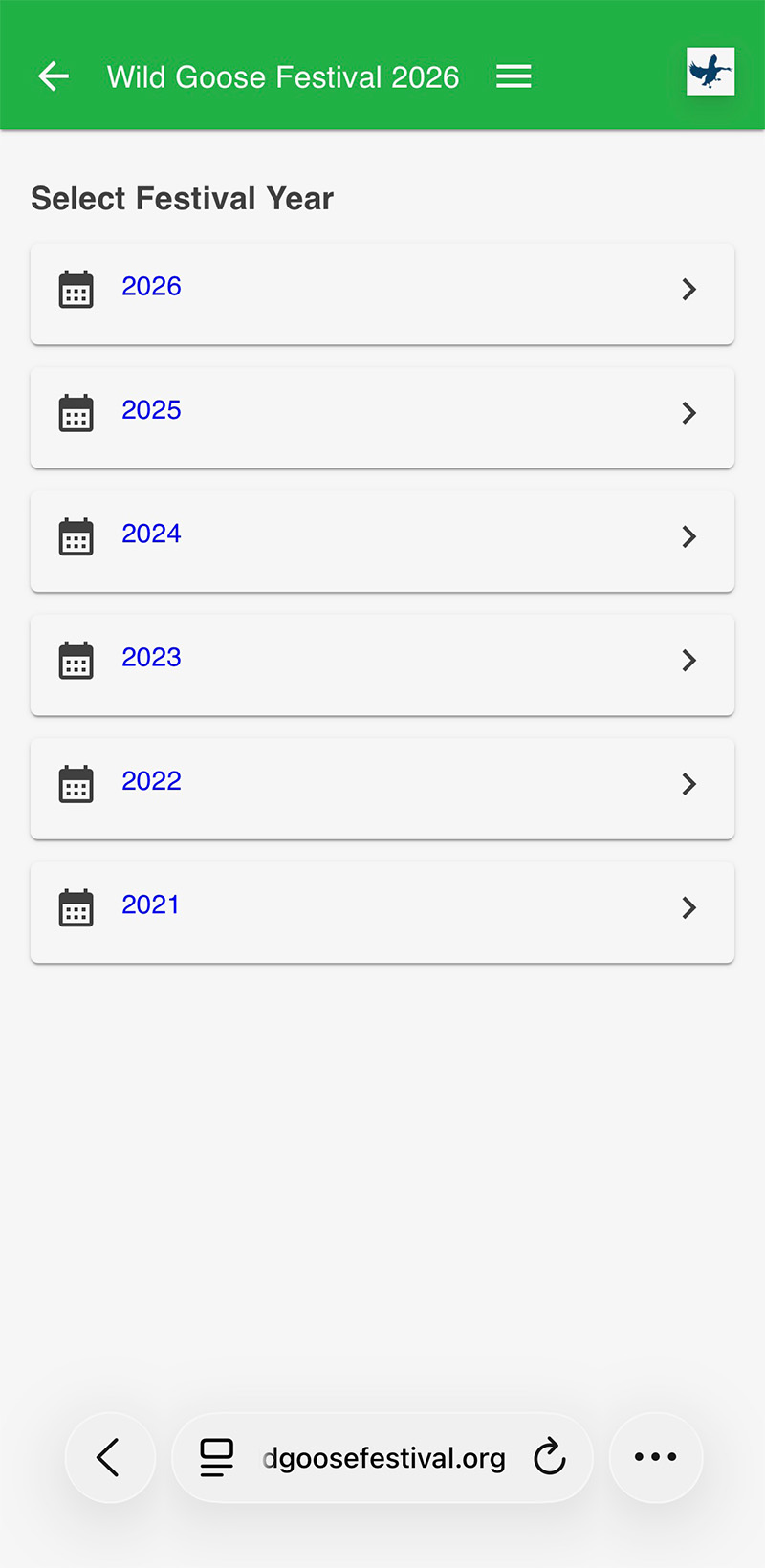
Find any year from 2021 to current year. The mini-app defaults to the current year but you can search past years by clicking the “hamburger” menu and then “Select Year.”
Mark your favorite Experiences for easy reference later. If you’ve been to Wild Goose, you know that Friday and Saturday go by in a blur – over 300 things to choose from. How to keep track? Start marking your favorites now!
We’ve added a “Cancelled” filter – instead of deleting a cancelled Experience, we’ll leave it on the schedule but mark it as cancelled so you’ll know not to show up and discover it’s no longer happening.
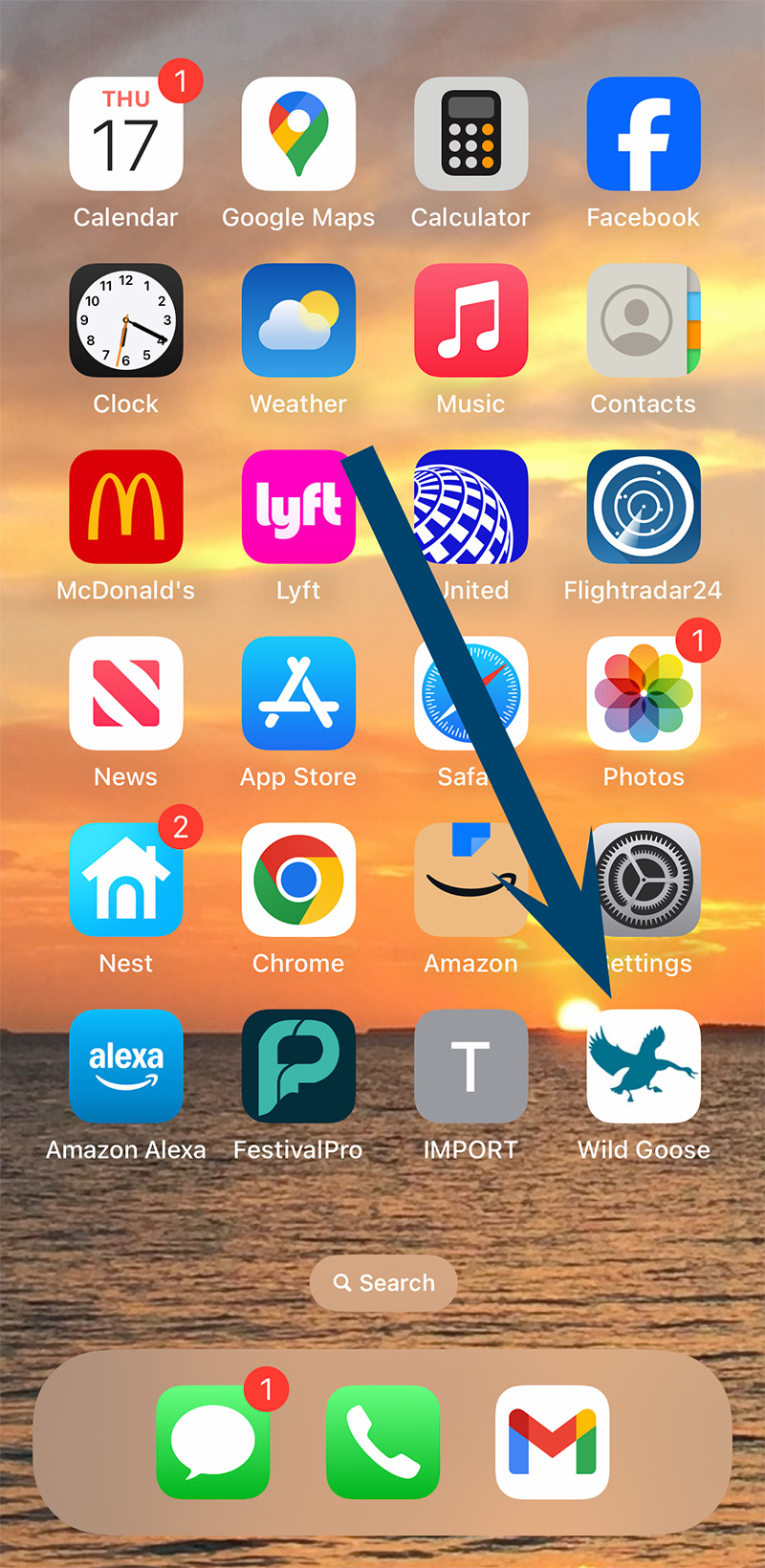
Add the Mini-App to your phone’s home screen! Not necessary but very useful. You’ll be just a single click away from all the Wild Goose Goodness!
Not sure how to do that? Click here for instructions
HOW TO USE THE MINI-APP
Add to your Home Screen.
Click Here for Instructions
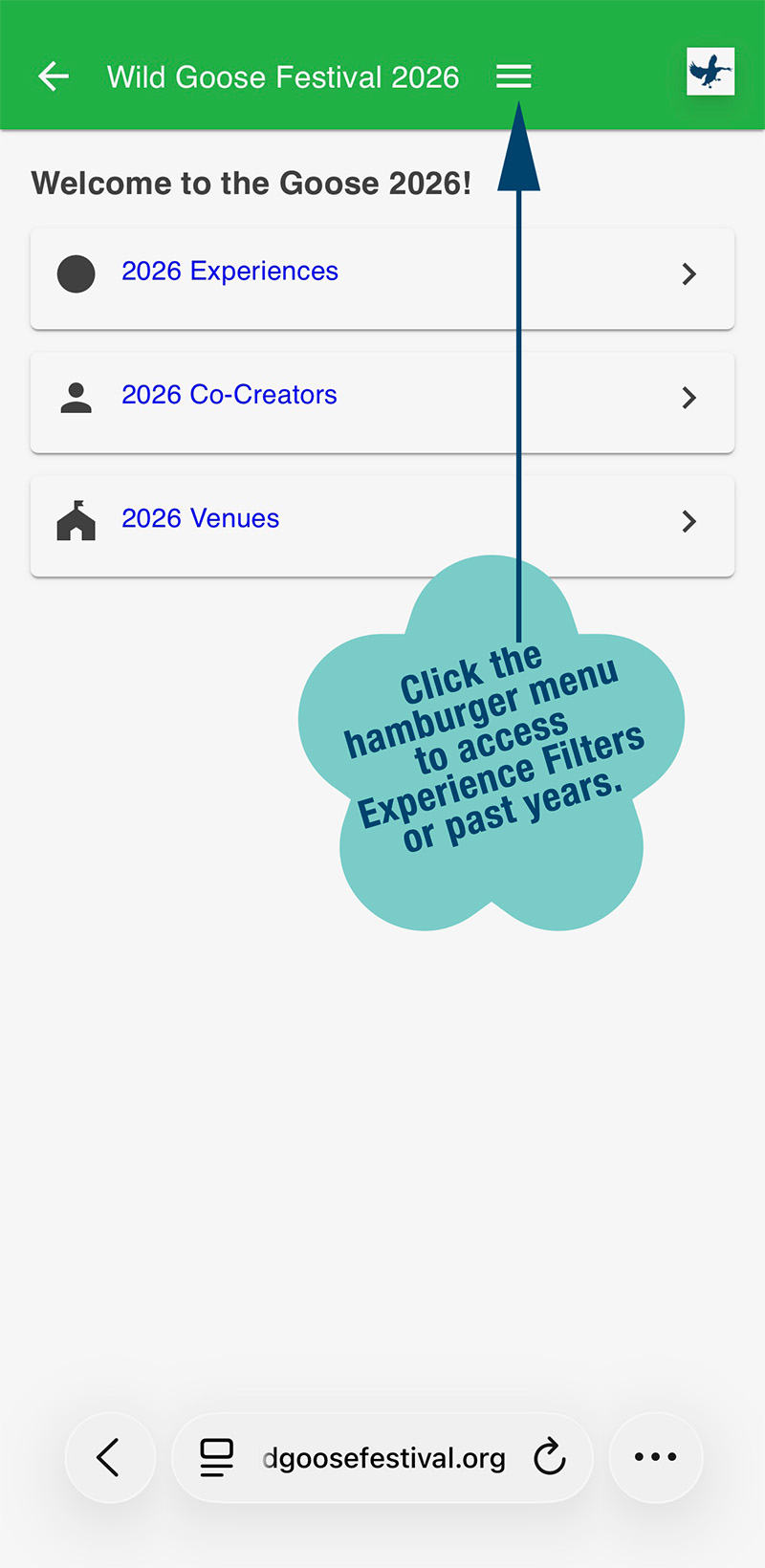
Open the app and choose Experiences,
Co-Creators, or Venues.
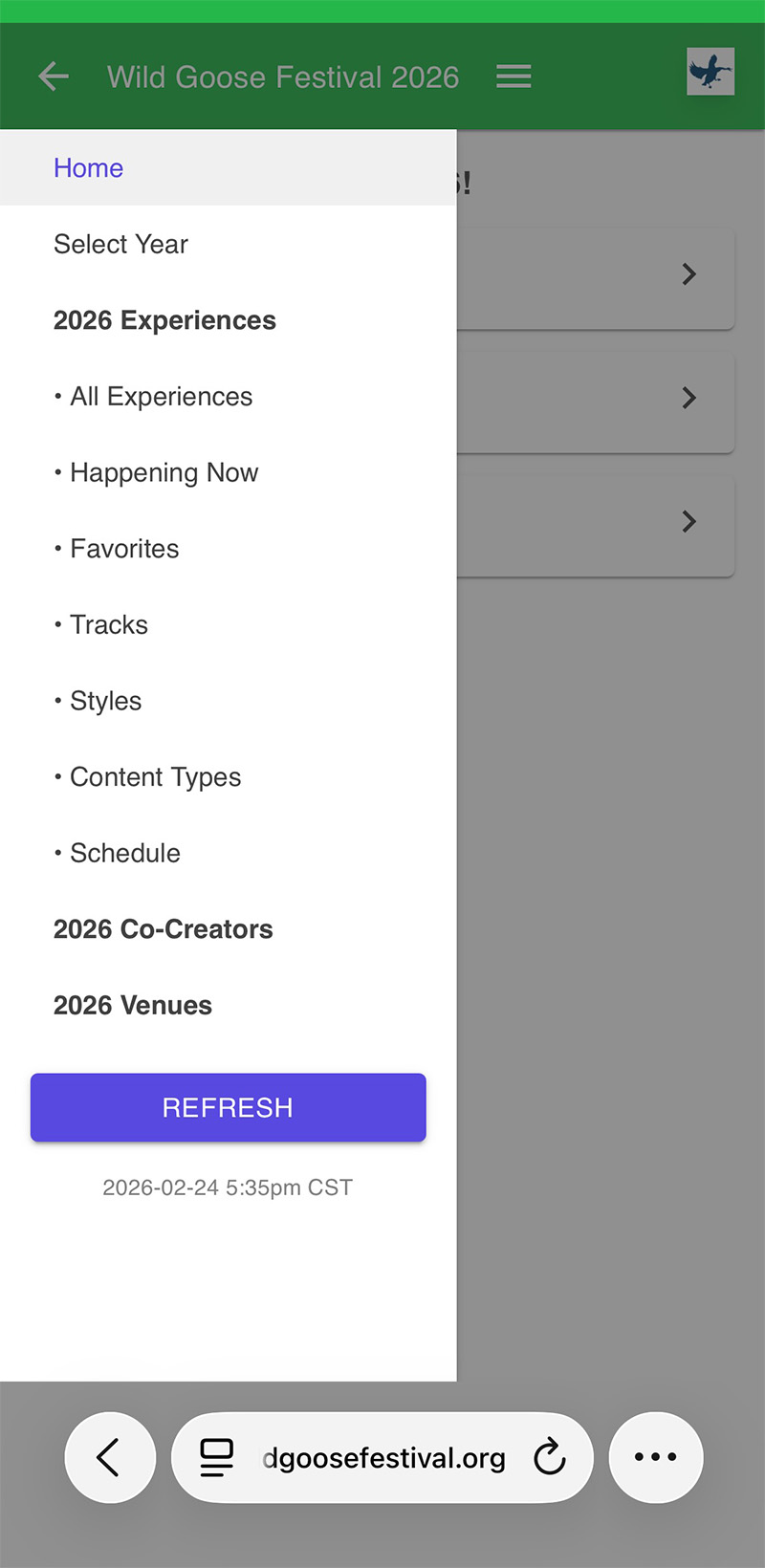
Filter Experiences
by any of the options displayed.
To search a past year, click the hamburger menu and select the year